Wedding RSVP Etiquette: A Guide for Couples and Guests
Everything you need to know about wedding RSVPs — when to send them, how to track responses, what to do about non-responders, and how digital RSVPs help.
Key Takeaways
- Set your RSVP deadline 3–4 weeks before the wedding date
- 20% of guests won't respond by the deadline — plan a follow-up strategy
- Digital RSVPs eliminate lost mail and make tracking effortless
- Always include meal preferences and plus-one options in your RSVP form
Posted by
 Marwan
Related reading
How to Share Your Wedding Invitation on WhatsApp (the Right Way)
A practical guide to sharing your digital wedding invitation via WhatsApp — including message templates, group etiquette, and tips for making it personal.
When to Send Wedding Invitations: The Complete Timeline
A month-by-month guide for when to send save-the-dates, invitations, and RSVP reminders — with adjustments for destination and holiday weddings.
Last-Minute Wedding Invitations: It's Not Too Late
Short on time? Learn how to create and send beautiful wedding invitations at the last minute — without the panic or the paper waste.
Here's a dirty little secret of wedding planning: the RSVP process is almost always more stressful than the invitation itself. You send out beautiful invitations, set a clear deadline, and then… silence from half your guest list. Sound familiar? You're not alone — according to The Knot, roughly 20% of wedding guests don't respond to invitations by the deadline, which wreaks havoc on catering counts, seating charts, and the couple's stress levels. We hear this from almost every couple who comes to SaidVows. So let's talk about how to handle RSVPs gracefully — from the couple's side and the guest's side — and how digital tools have made the whole process significantly less painful.
How Should Couples Set Up Their RSVP Process?
Set a Clear Deadline
Your RSVP deadline should be 3–4 weeks before the wedding. This gives you enough time to finalize headcounts with your caterer and venue. With paper invitations, guests often procrastinate because returning a card requires effort — finding a pen, locating the envelope, buying a stamp, walking to a mailbox. With digital invitations, they can respond in literally 10 seconds from their phone — which is why we consistently see response rates above 95% on SaidVows. The friction difference between “tap three buttons” and “mail a card” is enormous.
Be Specific About Plus-Ones
This is a big one. If a guest can bring a date, say so explicitly. If they can't, the invitation should be addressed only to them. Ambiguity leads to awkward conversations and unexpected headcount surprises — and at $75–$200 per plate, unexpected guests add up fast. Digital RSVP forms handle this beautifully: you can configure whether each guest is allowed a plus-one, and they'll see the option (or not) accordingly. No guessing, no awkward phone calls. According to The Knot, plus-one confusion is the single most common source of RSVP-related stress for couples. Remove the ambiguity upfront and you remove the problem entirely.
Ask the Right Questions
Beyond “attending” or “not attending,” consider asking about meal preferences, dietary restrictions, accessibility needs, and song requests. Paper RSVP cards barely have room for a name. Digital forms let you ask exactly what you need — and the answers go straight into your dashboard, not a pile of tiny cards on your kitchen counter. You can even add custom questions — we've seen couples ask everything from “what's your favorite memory of us?” to “do you need parking directions?”
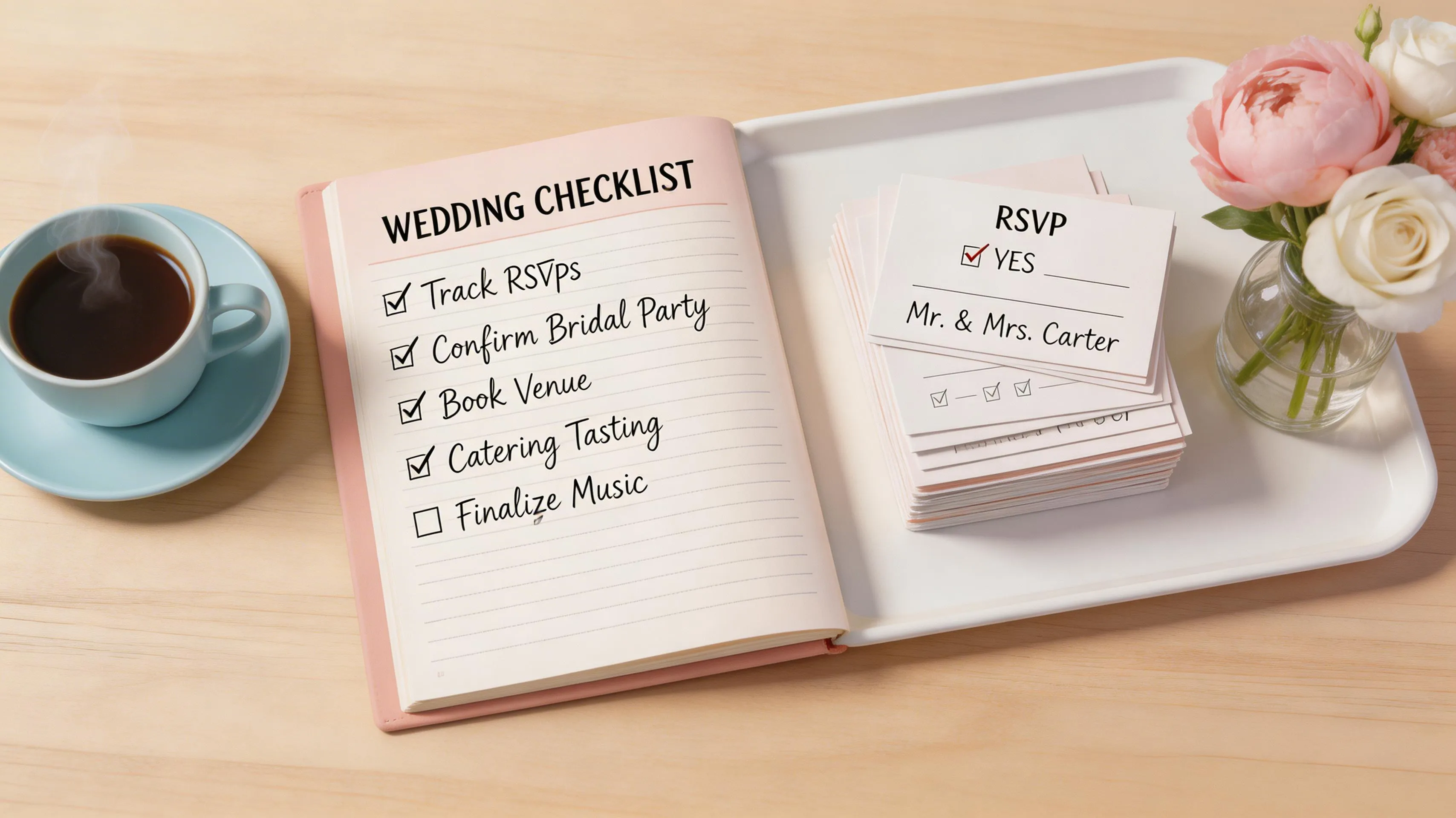
What Should Guests Know About RSVP Etiquette?
If you're reading this as a wedding guest, here's the short version: respond quickly. Seriously. The couple needs your answer to plan catering, seating, and sometimes even the venue size. A late RSVP isn't just mildly annoying — it costs real money and causes real stress. Brides magazine recommends responding within 48 hours if possible. Here are the key rules:
- Respond within a week of receiving the invitation, if possible
- Don't assume you can bring a plus-one unless the invitation says so
- If you say yes, show up. Changing your mind last minute costs the couple money
- If you can't attend, say so — a “no” is much better than no response at all
- Use the RSVP method provided — if there's a link, use the link. Don't text “I'll be there!” and call it done
Why Using the Official RSVP Channel Matters
This deserves extra emphasis. If the couple sends you a digital invitation with an RSVP form, use that form — even if it seems easier to just text back “we'll be there!” The couple is tracking responses through their dashboard, and a text message does not show up there. They will still see you as a non-responder and either worry you did not receive the invitation or spend time following up when you have already confirmed. It takes 15 seconds to tap the link and hit “attending.” Do the couple a favor and use the system they set up — it exists to make their planning easier, not to inconvenience you. Think of it like RSVPing through an event app rather than just telling the host you are coming at a party. The formal channel matters because it is where the organizational data lives.
What Do You Do When Guests Don't Respond?
This is the part nobody prepares you for. Even with a digital RSVP that takes 10 seconds, some people just… won't respond. It's not personal — people are busy, they forget, they mean to do it later and then life gets in the way. First, send a gentle reminder about a week before the deadline. SaidVows can automate this — one click sends a reminder to everyone who hasn't responded yet. If that doesn't work, a personal text message usually does the trick. Something like: “Hey! Just finalizing our guest list — would love to know if you can make it on Oct 18. No pressure either way!” Keep it light. Most people will respond immediately once they realize they forgot.
The Three-Touch Follow-Up Strategy
Here is a tested follow-up sequence that works without making anyone uncomfortable. Touch one: the automated reminder via SaidVows, sent one week before the RSVP deadline. This catches the forgetful majority — about 60% of non-responders reply after this nudge. Touch two: a personal WhatsApp or text message two to three days after the deadline, framed as a practical need rather than a guilt trip. Something like: “We are nailing down catering numbers and would love to include you — can you let us know?” This usually captures another 25%. Touch three: for the remaining holdouts, a phone call from you or a family member who knows them well. Some people simply do not respond to written messages, and a quick voice conversation resolves it in 30 seconds. After three touches, if someone still has not responded, assume they are not attending and plan accordingly.
How Do You Handle Late RSVPs and Last-Minute Changes?
Even with the best follow-up strategy, some guests will RSVP late or change their response after the deadline. This is where digital RSVP systems genuinely shine. With paper, a late response means manually updating your spreadsheet, recalculating headcount, and potentially calling your caterer to adjust numbers. With SaidVows, late RSVPs update your dashboard automatically, and you can see the impact on your headcount in real time. If a guest who said “yes” needs to switch to “no” (or vice versa), they can update their response through the same link, and you see the change immediately. No phone tag, no confusion about which version of the spreadsheet is current. For guests who need to add or remove a plus-one after the deadline, the process is equally seamless — they update their RSVP, you see the change, and your caterer gets the final numbers when you export the updated CSV. Flexibility without chaos.
Why Do Digital RSVPs Get Better Response Rates?
We're obviously biased, but the numbers speak for themselves. Couples using digital RSVP systems report significantly higher response rates and dramatically less stress. The reason is simple: there's no friction. Guest opens link, taps a few buttons, done. No stamp, no mailbox, no “I'll do it later.” Plus, you get a real-time dashboard showing exactly where things stand — who's coming, who declined, who hasn't responded, how many plus-ones, what the dietary requirements look like. Try getting that level of organization from a stack of response cards. Pro tip: the best time to send your digital invitation is Tuesday through Thursday evening, between 7 and 9 PM local time, when people are relaxed, on their phones, and most likely to take immediate action. Avoid Monday mornings (work stress), Friday evenings (social plans), and weekends (people are busy and will “do it later”). The easier and more immediate the response process, the fewer follow-ups you will need later. Ready to simplify your RSVP process? Check our plans and see how easy it can be.
One last note for couples reading this: the RSVP process does not have to be stressful. With the right tools, it becomes one of the easiest parts of wedding planning rather than one of the hardest. Set clear expectations, use a digital system that tracks everything automatically, and follow up promptly with anyone who does not respond. That is the entire playbook. The couples who have the smoothest RSVP experience are not the ones with the fanciest invitations — they are the ones who made it ridiculously easy for guests to respond and followed up without hesitation when responses were late. Simplicity and persistence. That is the whole secret. And with SaidVows handling the tracking, reminders, and organization automatically, you can focus on the fun parts of planning — like choosing your first dance song or writing your vows — instead of chasing down RSVPs at midnight. That trade-off alone makes a digital RSVP system worth it for every couple, regardless of wedding size, venue type, or budget level. You deserve to enjoy your engagement, not spend it stressed about spreadsheets.
How Do You Handle Dietary and Accessibility Information Through RSVPs?
One often-overlooked benefit of digital RSVPs is how seamlessly they collect dietary and accessibility data. Paper RSVP cards rarely have room for more than “accepts” or “declines,” which means couples resort to awkward follow-up calls asking about allergies and wheelchair access. With a digital RSVP form, you can include dedicated fields for food allergies, halal or kosher requirements, vegetarian and vegan preferences, mobility considerations, and even childcare needs — all collected once, automatically organized in your dashboard, and easily exported for your caterer and venue coordinator. This is especially valuable for multicultural weddings where guests may have diverse dietary traditions. Rather than guessing or over-ordering, you get precise data that helps you plan a celebration where every guest feels genuinely accommodated. The result: fewer surprises on the day, lower food waste, and happier guests who know their needs were considered from the start.