How to Share Your Wedding Invitation on WhatsApp (the Right Way)
A practical guide to sharing your digital wedding invitation via WhatsApp — including message templates, group etiquette, and tips for making it personal.
Key Takeaways
- WhatsApp is the fastest way to share wedding invitations globally
- Send personalized messages — not group blasts — for a better guest experience
- One shareable link works across WhatsApp, SMS, email, and social media
- QR codes let you bridge physical events with your digital invitation
Posted by
 Marwan
Related reading
When to Send Wedding Invitations: The Complete Timeline
A month-by-month guide for when to send save-the-dates, invitations, and RSVP reminders — with adjustments for destination and holiday weddings.
Last-Minute Wedding Invitations: It's Not Too Late
Short on time? Learn how to create and send beautiful wedding invitations at the last minute — without the panic or the paper waste.
Destination Wedding Invitations: Why Going Digital Makes It Easy
Planning a destination wedding? Digital invitations handle time zones, travel logistics, multilingual guests, and last-minute changes. Here is how to do it right.
WhatsApp is, for a huge number of couples, the primary way they share their wedding invitation. Especially in the Middle East, South Asia, Europe, and Latin America, WhatsApp isn't just a messaging app — it's how families communicate. With over 2 billion users worldwide, it's often the fastest and most reliable way to reach your entire guest list. So if you're using SaidVows and want to share your invitation on WhatsApp, here's how to do it in a way that feels personal, not spammy. Because there's a real difference between “thoughtfully shared” and “mass blasted,” and your wedding invitation deserves the former.
Why Shouldn't You Just Drop the Link in a Group Chat?
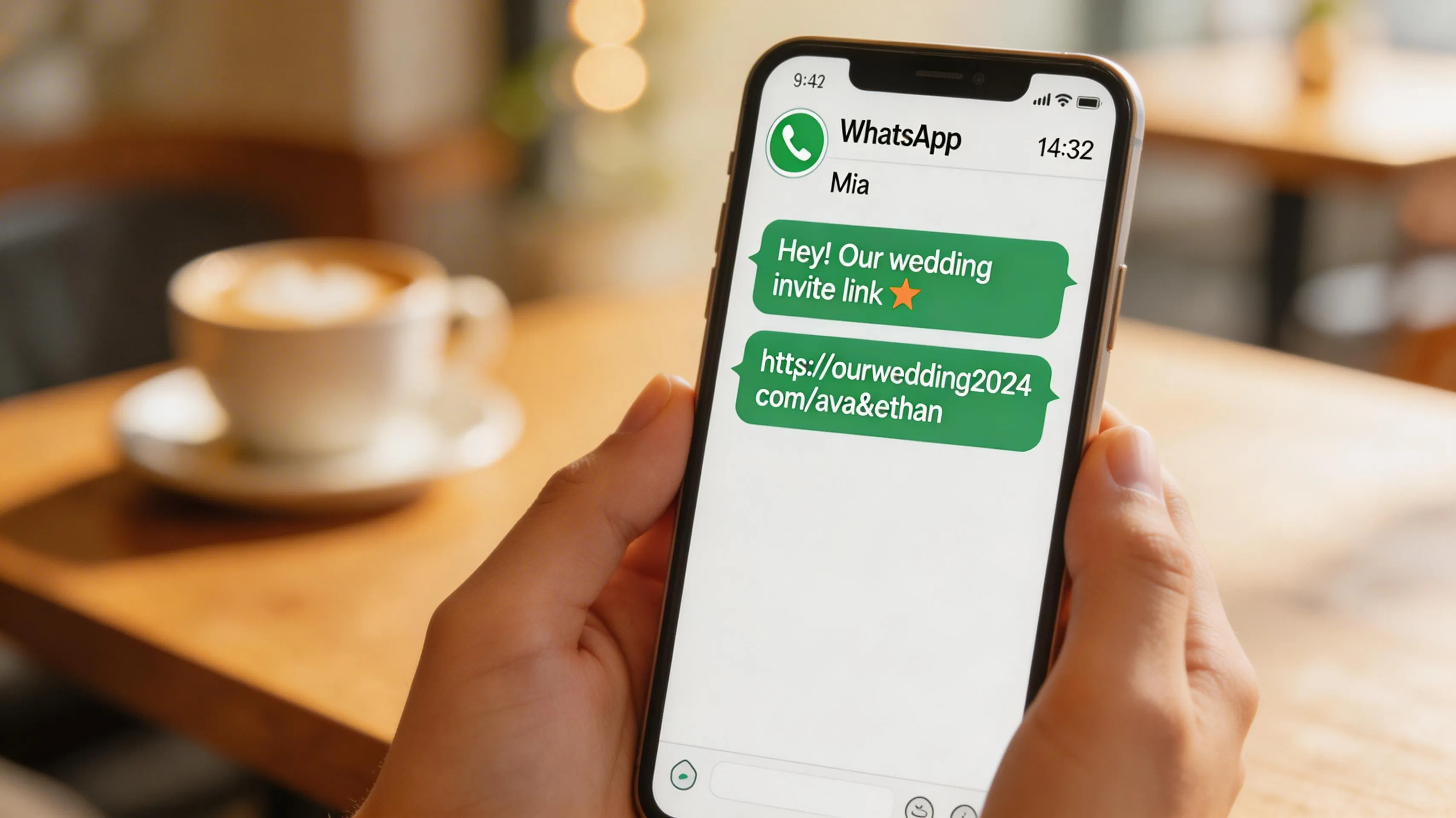
This is the number one mistake. You create a beautiful invitation, copy the link, and send it into a group chat with “Here's our wedding invite!” — and it gets buried under 47 other messages within an hour. A wedding invitation deserves more than that. Instead, send it individually to each guest (or to small family groups) with a personal message. Yes, this takes a bit more time — maybe 30 minutes instead of 30 seconds. But it makes people feel valued, and they're much more likely to actually open the link and RSVP. According to Brides, personalized messages get significantly higher RSVP response rates than group blasts. A message like this works well: “Hi [Name]! We're so excited to share this with you — Omar and I are getting married! We'd love for you to be there. Here's our invitation with all the details and RSVP: [link]. Let us know if you have any questions!” It takes an extra minute per guest, but the difference in how it's received is night and day.
Sample WhatsApp Messages for Different Relationships
The tone of your message should match your relationship with the guest. For close friends, keep it casual and excited: “Guess what?! We're finally doing it! Here's our wedding invitation — RSVP inside so we can save you a seat (and a drink). [link]” For colleagues or more formal contacts, dial it up: “Dear [Name], we would be honored to have you join us for our wedding celebration. Please find our invitation and RSVP details here: [link]. We hope to see you there.” For parents and elders, consider calling them first and then following up with the link so they have it saved. The invitation is the same link in every case — it's the surrounding message that makes it personal.
How Can You Use WhatsApp Groups Without Being Spammy?
If you do use a group (which is totally fine for extended family or friend groups), create a dedicated group for the wedding rather than using an existing one. Name it something clear like “Sarah & Omar's Wedding” and set the group description to include the invitation link. This way guests can always find it, even if the link gets scrolled past. A dedicated group also doubles as a communication channel for updates — you can share parking info, schedule changes, or a photo from the venue visit without cluttering someone's family group chat. Pro tip: SaidVows invitations generate a rich link preview with your names, date, and a preview image, which looks significantly better than a bare URL and increases the chances people actually tap it. When someone sees a beautiful preview card instead of a raw URL, it signals “this is something worth clicking.”
WhatsApp Broadcast Lists: The Middle Ground
Many couples don't know about WhatsApp's broadcast list feature, and it's honestly the best of both worlds. A broadcast list lets you send the same message to multiple people individually — each recipient gets a private message from you, not a group message. They can reply privately, and they don't see the other recipients. It feels personal to them, but it saves you from copying and pasting the same message 80 times. The only catch: recipients must have your number saved in their contacts for broadcast messages to go through. For family and close friends, that's usually not a problem. For extended contacts, individual messages or a group may work better.
When Is the Best Time to Send a Wedding Invitation on WhatsApp?
Don't send wedding invitations at 2 AM or during working hours. The sweet spot is evening (7–9 PM local time) when people are relaxed and actually checking their phone for personal messages. Weekend mornings work well too. And don't send them on a day when something else is happening — a major holiday, a sporting event, or a family crisis. Your invitation deserves attention. If your guest list spans multiple time zones, stagger your sends so everyone receives it during their personal “relaxed phone time.” It sounds like a small detail, but invitations sent at the right time get opened and responded to faster. One common mistake is sending your invitation on the same day as Eid, Christmas Eve, or Diwali — your message will get lost in a flood of holiday greetings, so wait a day or two. Similarly, avoid Friday afternoons when people are mentally checking out for the weekend, and Monday mornings when they're drowning in work messages. Tuesday through Thursday evenings tend to get the best open rates according to messaging platform analytics. Plan your send the way you'd plan any important communication — with thought about when the recipient is most likely to read it and take action.
How Should You Follow Up on WhatsApp Without Being Pushy?
You sent the invitation, it's been a week, and those two blue checkmarks are staring at you — they read it but didn't RSVP. Don't panic and don't send a passive-aggressive follow-up. A simple, warm message works: “Hey [Name]! Just checking if you had a chance to look at our wedding invitation. No rush at all — just trying to get our headcount sorted. The RSVP link is here if you need it: [link].” Keep the tone light and pressure-free. People genuinely do forget, and a gentle nudge almost always gets an immediate response. If you're using SaidVows, you can also trigger automatic reminders from the dashboard — the system sends a polite reminder to everyone who hasn't RSVPed yet, so you don't have to be the one doing the chasing.
How Can QR Codes Help Reach Guests Who Don't Use WhatsApp?
Some guests — usually older family members — don't check WhatsApp regularly or might not click a link. For them, print a QR code on a simple card and hand it to them in person. SaidVows generates a QR code automatically for every invitation. The guest scans it with their phone camera and the invitation opens in their browser — no app needed, no account required. It bridges the physical and digital worlds perfectly and ensures that even your least tech-savvy relatives can see the full invitation experience with video backgrounds and interactive RSVP. Between WhatsApp for your tech-comfortable guests and QR codes for everyone else, you've got every generation covered. Check our pricing page to see which plans include QR code generation — it's available on Premium and Luxury tiers.
Can You Use WhatsApp Status or Instagram Stories to Share Your Invitation?
You can — but think carefully about who sees it. Posting your wedding invitation to your WhatsApp status or Instagram story means every contact or follower sees it, including people you may not have invited. This can create awkward situations where acquaintances assume they are invited because they saw the announcement publicly. A better approach: use stories for a general “we are getting married!” announcement (no link, no RSVP), and send the actual invitation link privately to your guest list. If you do share the link publicly, be prepared for unexpected RSVPs from people you did not intend to invite. Some couples solve this by creating a separate “public announcement” page without an RSVP form and reserving the full invitation with RSVP for direct sharing only. SaidVows supports this — you can create multiple invitation pages under different links for different audiences.
What Is the Complete WhatsApp Sharing Checklist?
Before you start sharing your invitation on WhatsApp, run through this quick checklist to make sure everything is ready. First, open your invitation link on your own phone and verify it loads correctly — check that the video background plays, the text is readable, and the RSVP form works. Second, verify that the link preview looks good when you paste it into a WhatsApp message — it should show your names, the wedding date, and a preview image. Third, prepare your personalized message templates for different guest groups: close friends, family, colleagues, and elders. Fourth, plan your sending schedule so each group receives the invitation at an optimal time. Fifth, prepare a follow-up message for non-responders, to be sent one week before the RSVP deadline. Having all of this ready before you start sharing means the entire distribution process takes about 30–45 minutes instead of being spread across multiple stressful days. Organization upfront saves anxiety later.
How Do You Handle Multilingual Guest Groups on WhatsApp?
If your guest list spans multiple languages — Arabic-speaking relatives, French-speaking friends, English-speaking colleagues — WhatsApp gives you the flexibility to tailor each message while linking to the same invitation. Write your WhatsApp message in the language that guest speaks, but the invitation link stays identical because SaidVows's multilingual toggle lets each guest switch to their preferred language on the invitation itself. This means your Arabic-speaking aunt receives a warm Arabic message linking to an invitation she can read in Arabic, while your English-speaking college roommate gets a casual English message linking to the exact same URL. No duplicate invitations, no separate guest lists, no version confusion. The combination of personalized WhatsApp messages and a single multilingual invitation link is the most efficient way to reach a diverse guest list without losing the personal touch that makes each guest feel individually invited.